How computers think, one animation at a time.
50 free interactive lessons, ages 3 to 18.
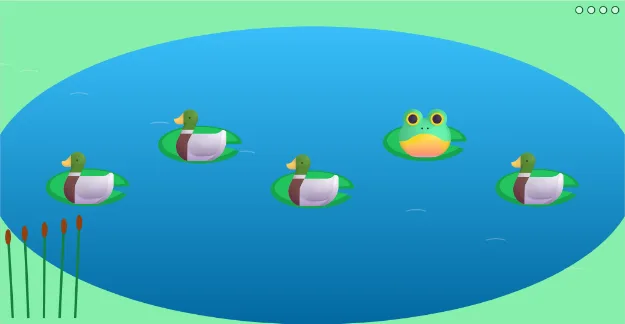
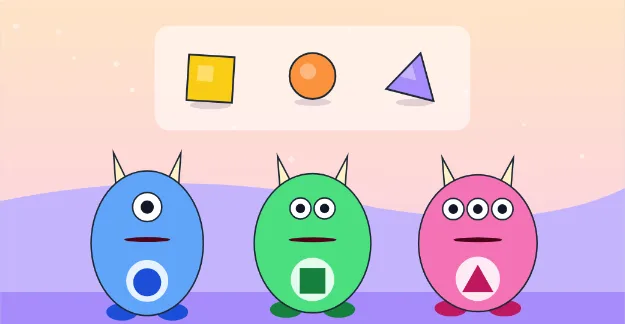
Tiny Thinkers
Ages 3–5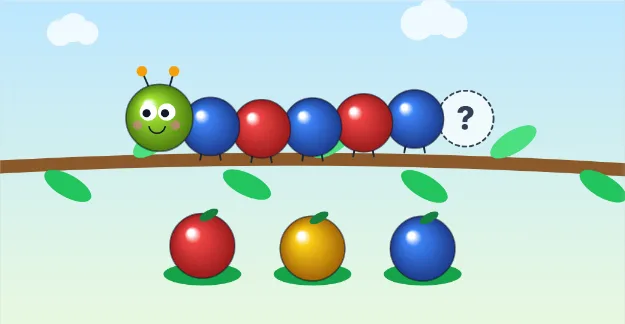
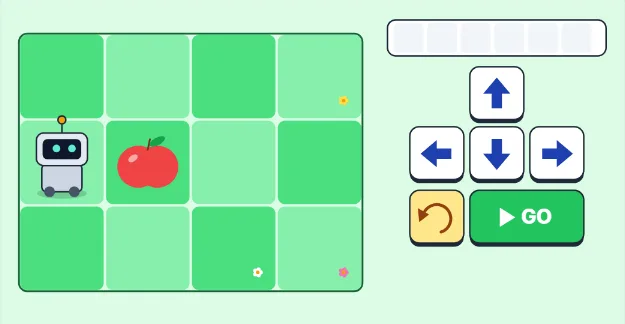
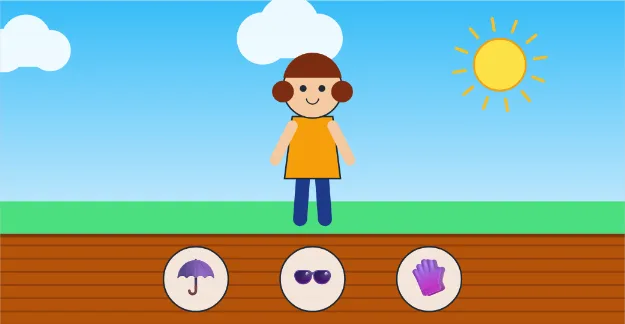
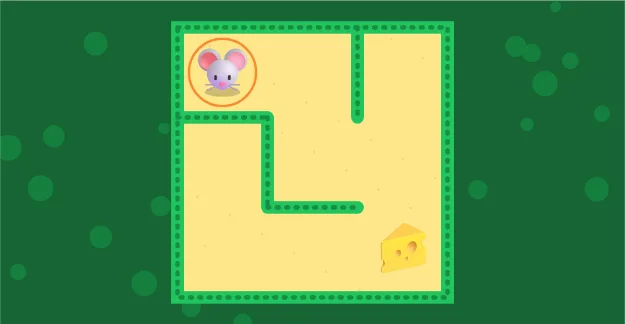
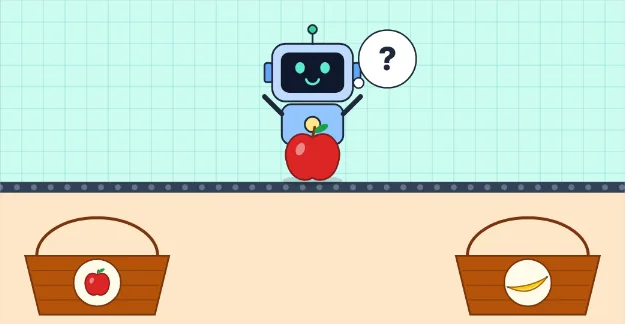
Young Builders
Ages 6–8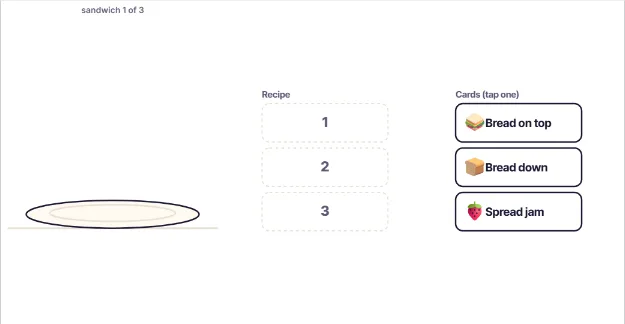
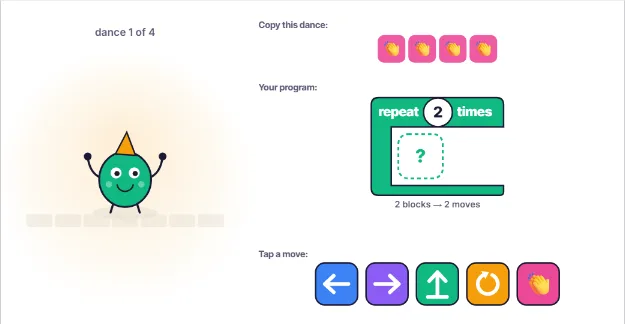
Code Explorers
Ages 9–11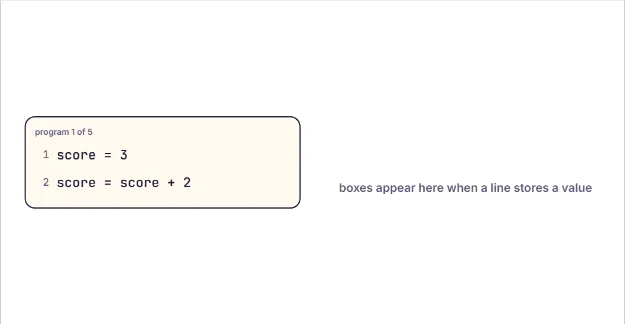 21Variables Are Labeled Boxes
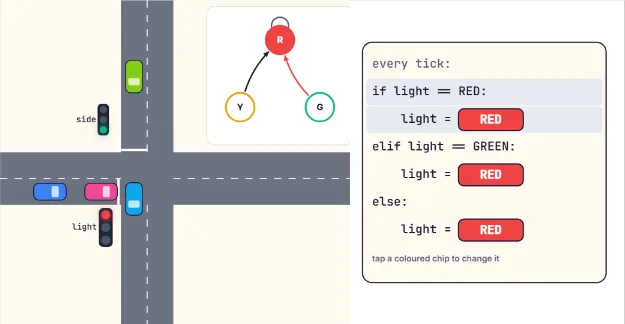 22If/Else: Run the Traffic Lights
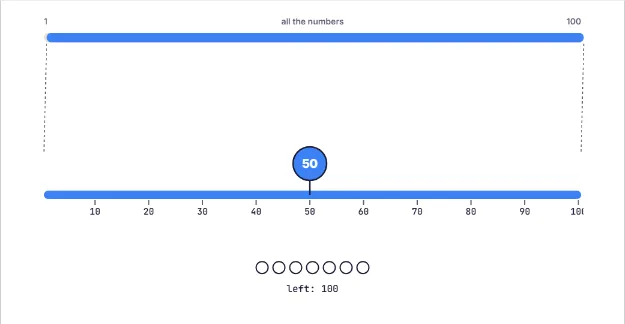 23Guess My Number in 7 Tries
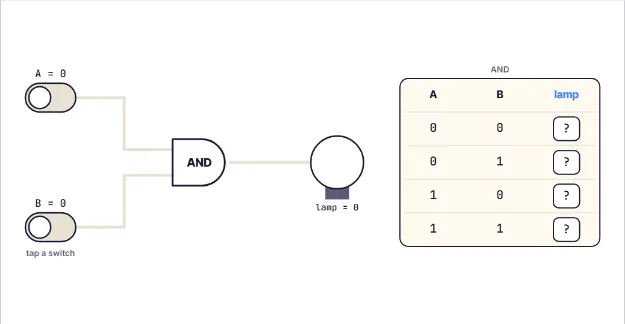 24Logic Gates: AND, OR, NOT
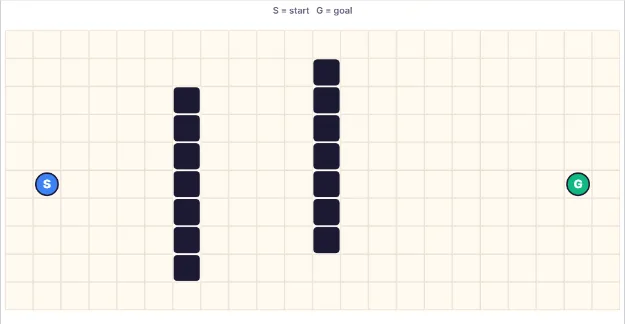 25Shortest Path on a Map
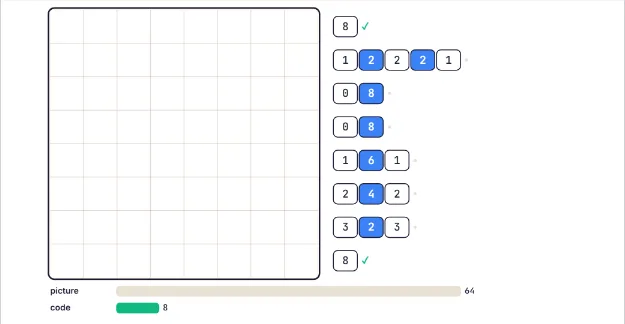 26Shrinking Pictures: Compression
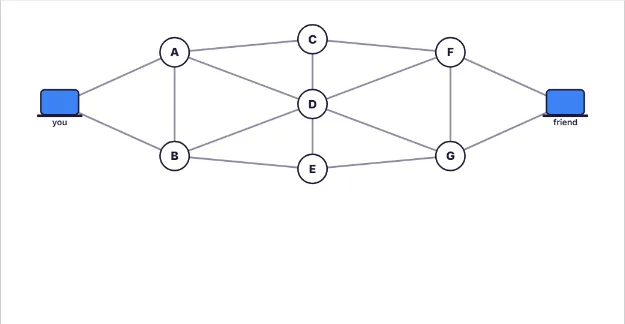 27How the Internet Sends Messages
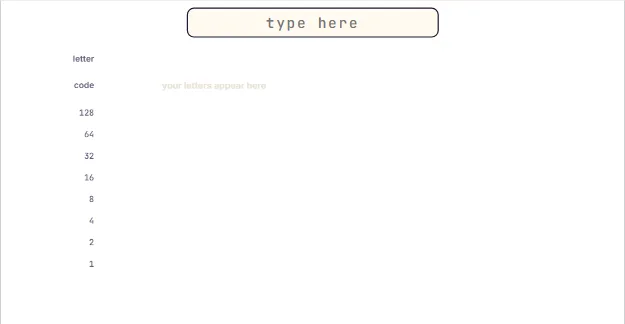 28Letters Are Numbers Inside a Computer
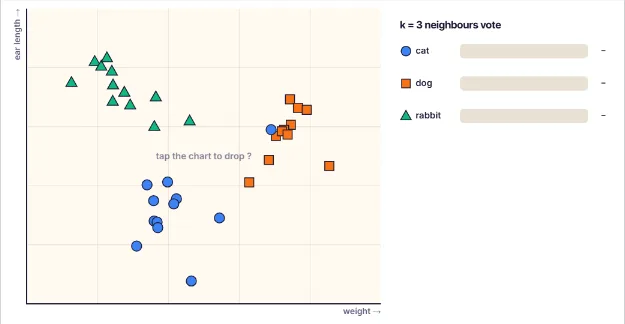 29AI Guesses by Looking at Neighbours
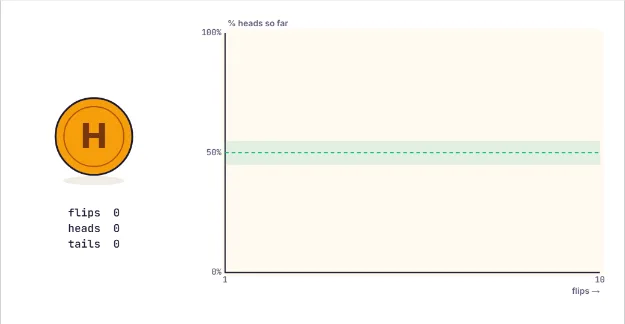 30Coin Flips and Chance
Junior Engineers
Ages 12–14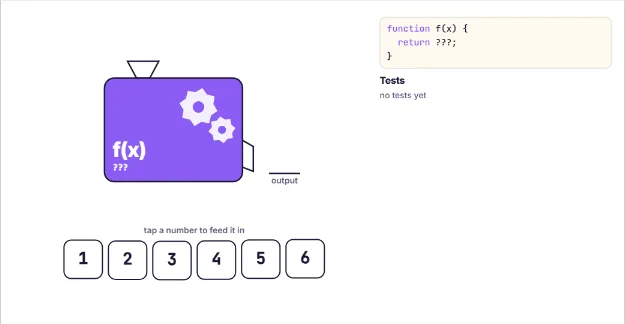 31Functions Are Input-Output Machines
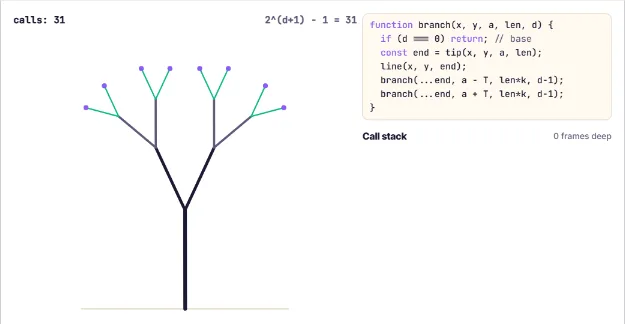 32Recursion Grows a Tree
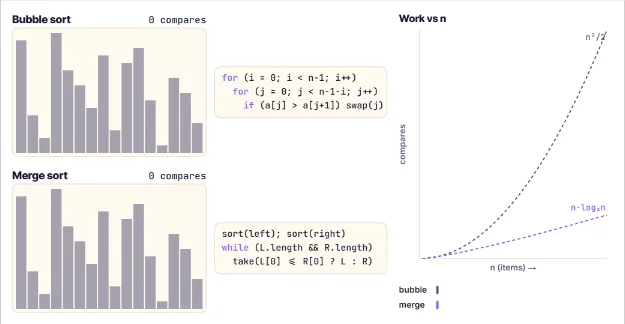 33The Sorting Race: Why Speed Matters
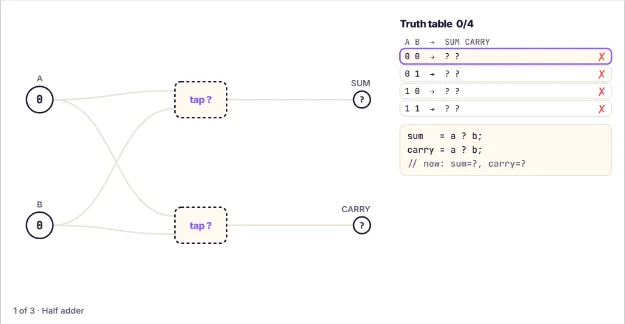 34Build an Adder From Logic Gates
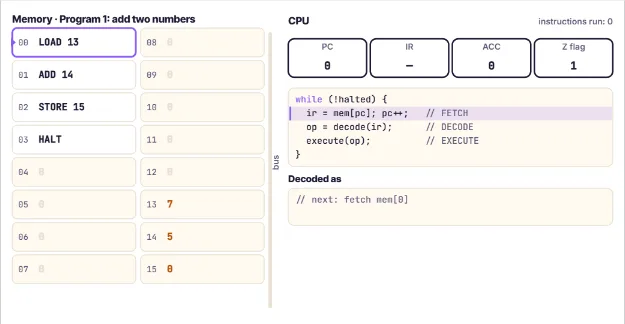 35Inside a CPU: Fetch, Decode, Execute
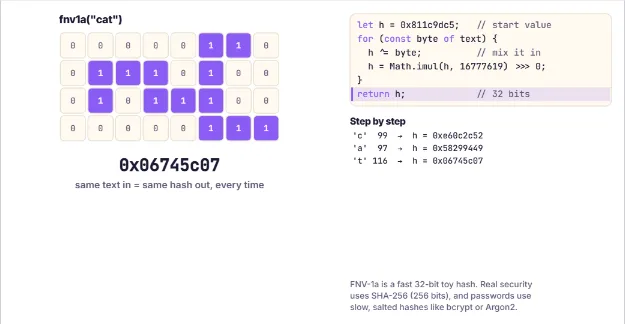 36Hashing: How Passwords Stay Secret
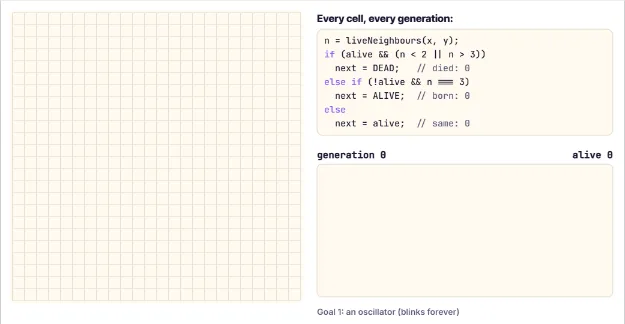 37The Game of Life: Simple Rules, Complex Worlds
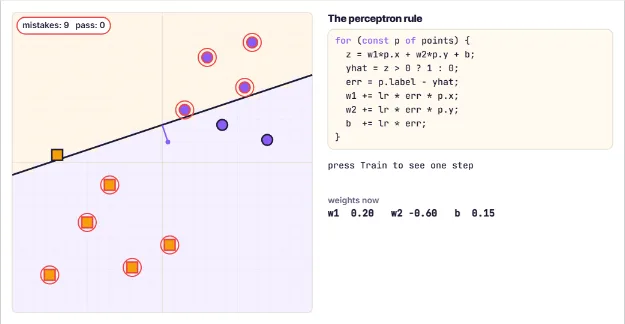 38A Perceptron Learns to Draw a Line
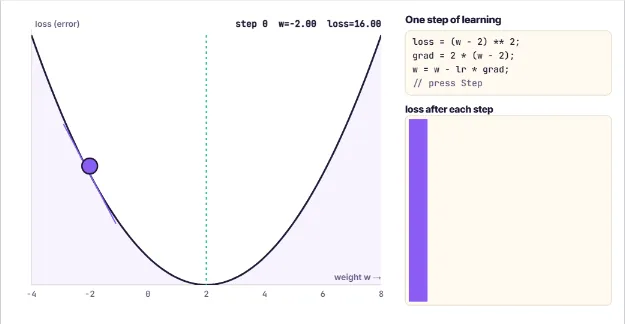 39Gradient Descent: Rolling Downhill to Learn
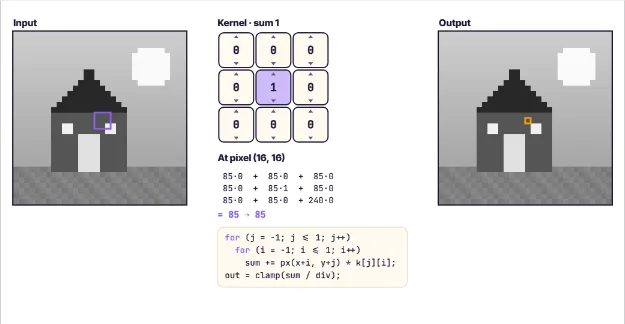 40How Image Filters Find Edges
AI Engineers
Ages 15–18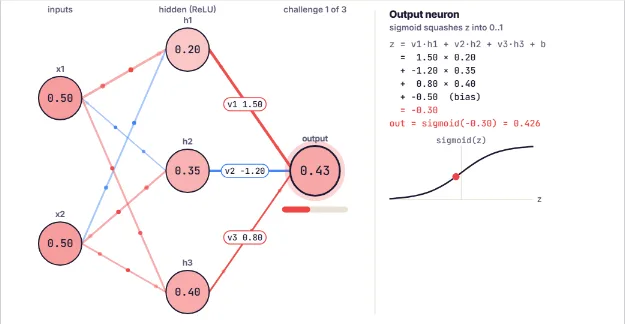 41Inside a Neural Network
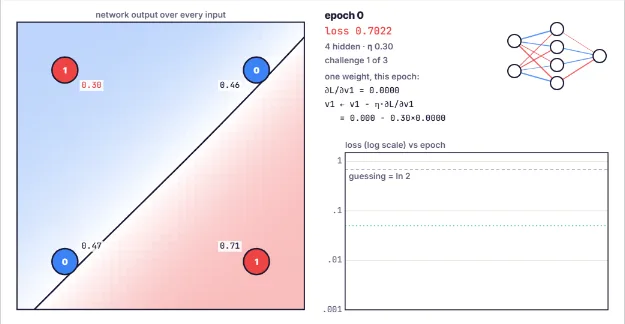 42Backpropagation: Training a Network Live
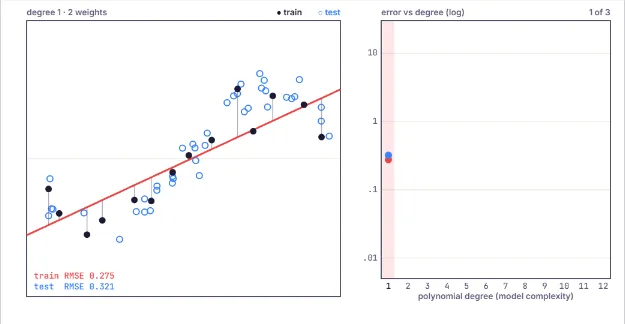 43Overfitting: When a Model Memorizes
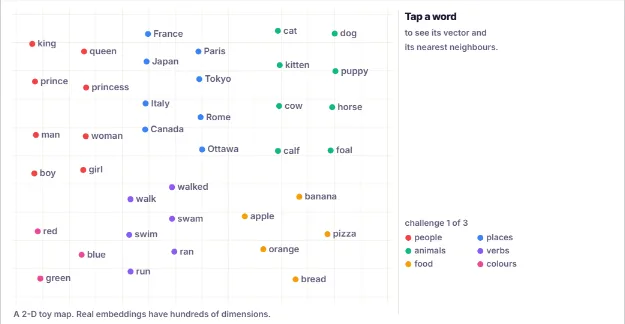 44Words as Points: Embeddings
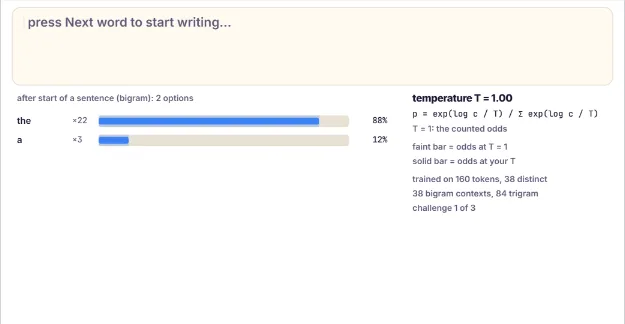 45How Chatbots Pick the Next Word
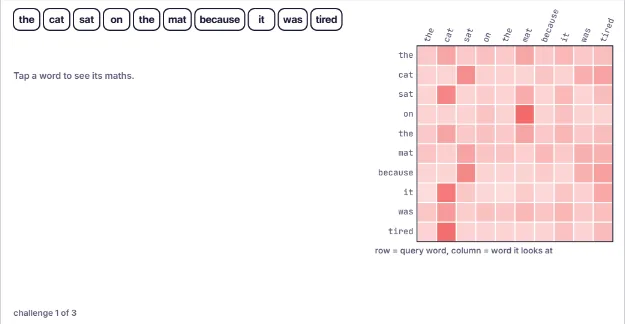 46Attention: How Transformers Focus
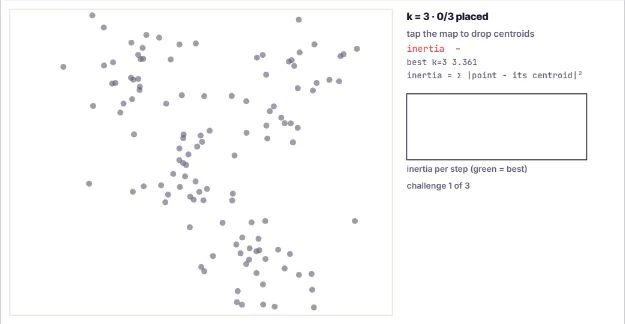 47K-Means: Finding Groups Without Labels
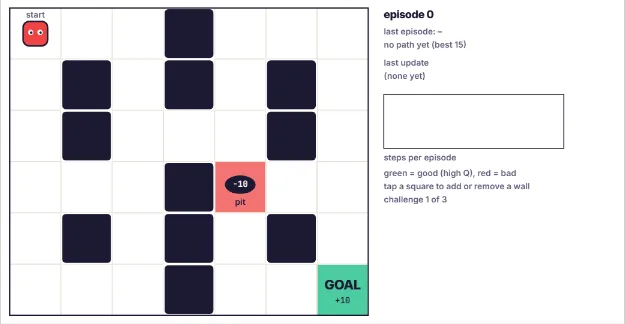 48Reinforcement Learning: An Agent Learns a Maze
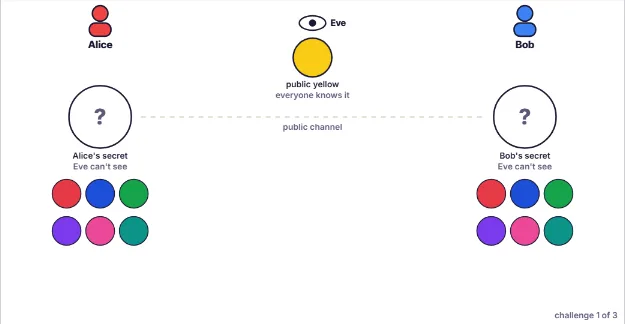 49Public-Key Secrets With Paint Mixing
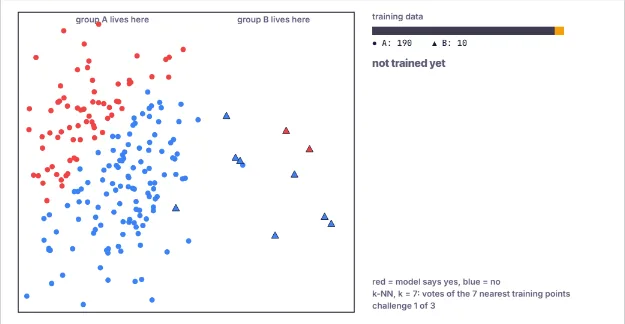 50Biased Data, Biased AI
Questions from parents
Is Mansori really free?
Yes. Every lesson is free, with no ads, no accounts, no trials and no in-app purchases. A child can open a lesson and start in one tap.
What ages is Mansori for?
Ages 3 to 18, in five stages: Tiny Thinkers (3-5), Young Builders (6-8), Code Explorers (9-11), Junior Engineers (12-14), AI Engineers (15-18). Each stage builds on the one before, and no lesson repeats an idea from another lesson.
Does my child need to read?
Not for the youngest stage. Tiny Thinkers lessons read every instruction aloud and use big pictures and taps. Older lessons add more text and real code ideas step by step.
What will my child actually learn?
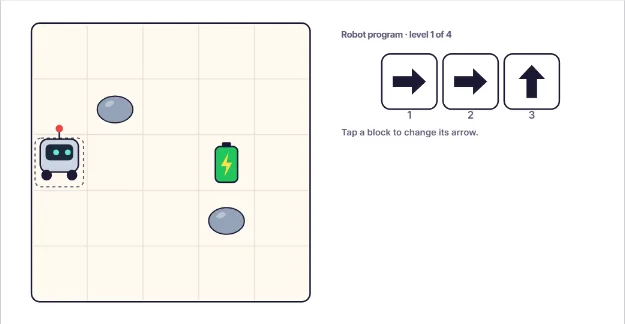
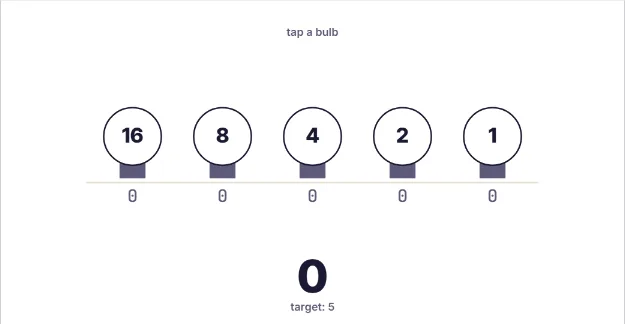
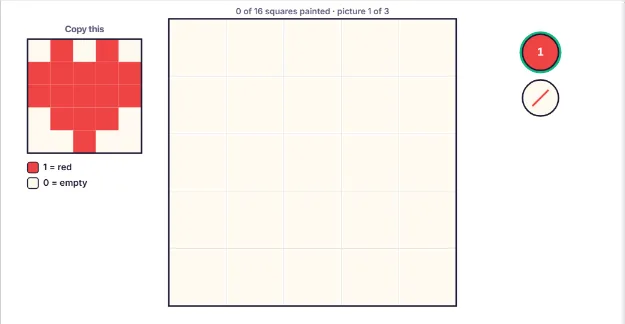
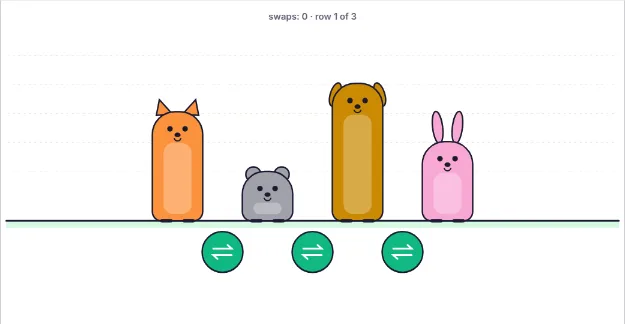
How computers and AI work from the ground up: patterns, sorting and step-by-step instructions first, then loops, debugging, binary and pixels, then variables, logic gates, search and the internet, then functions, recursion, CPUs and algorithm speed, and finally neural networks, gradient descent, embeddings, attention and how chatbots like ChatGPT and Claude pick their next word.
Is it safe for children? What data do you collect?
We collect no personal information from children. There are no accounts, no analytics, no ads and no third-party trackers. Lesson progress is saved only in your own browser and never leaves your device.
Can teachers use Mansori in class?
Yes. Every lesson has a parent and teacher section with the learning goal, discussion questions and a screen-free activity, and the full curriculum is listed on the Parents and teachers page. Lessons work on Chromebooks, tablets and phones.
Will Mansori raise my child's IQ?
We do not promise test scores. What the lessons do is give children regular practice with the thinking engineers use every day: spotting patterns, breaking problems into steps, testing ideas and fixing mistakes.